Duetprompt

Vintage 1970s Couple AI Photo Prompt | Retro Indian Love Story Portrait

Create a stunning vintage 1970s–80s Indian couple portrait with this detailed AI image prompt. Featuring retro fashion, handloom saree, geometric shirt, heritage architecture, warm natural lighting, authentic film grain, distressed photo texture, and nostalgic colors. Perfect for Midjourney, ChatGPT, Gemini, DALL·E, and AI photography creators looking to create cinematic retro couple photos.

#couple
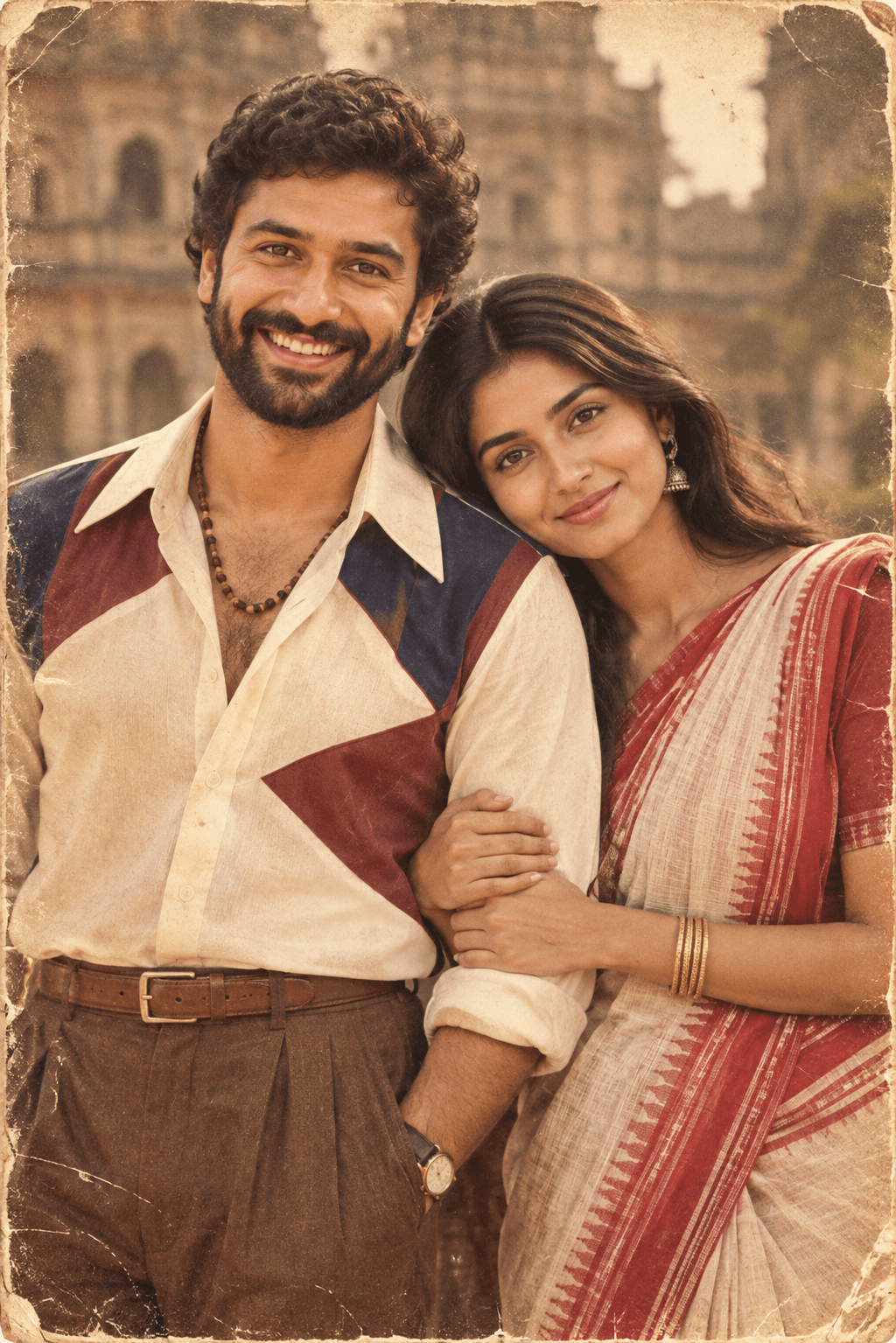
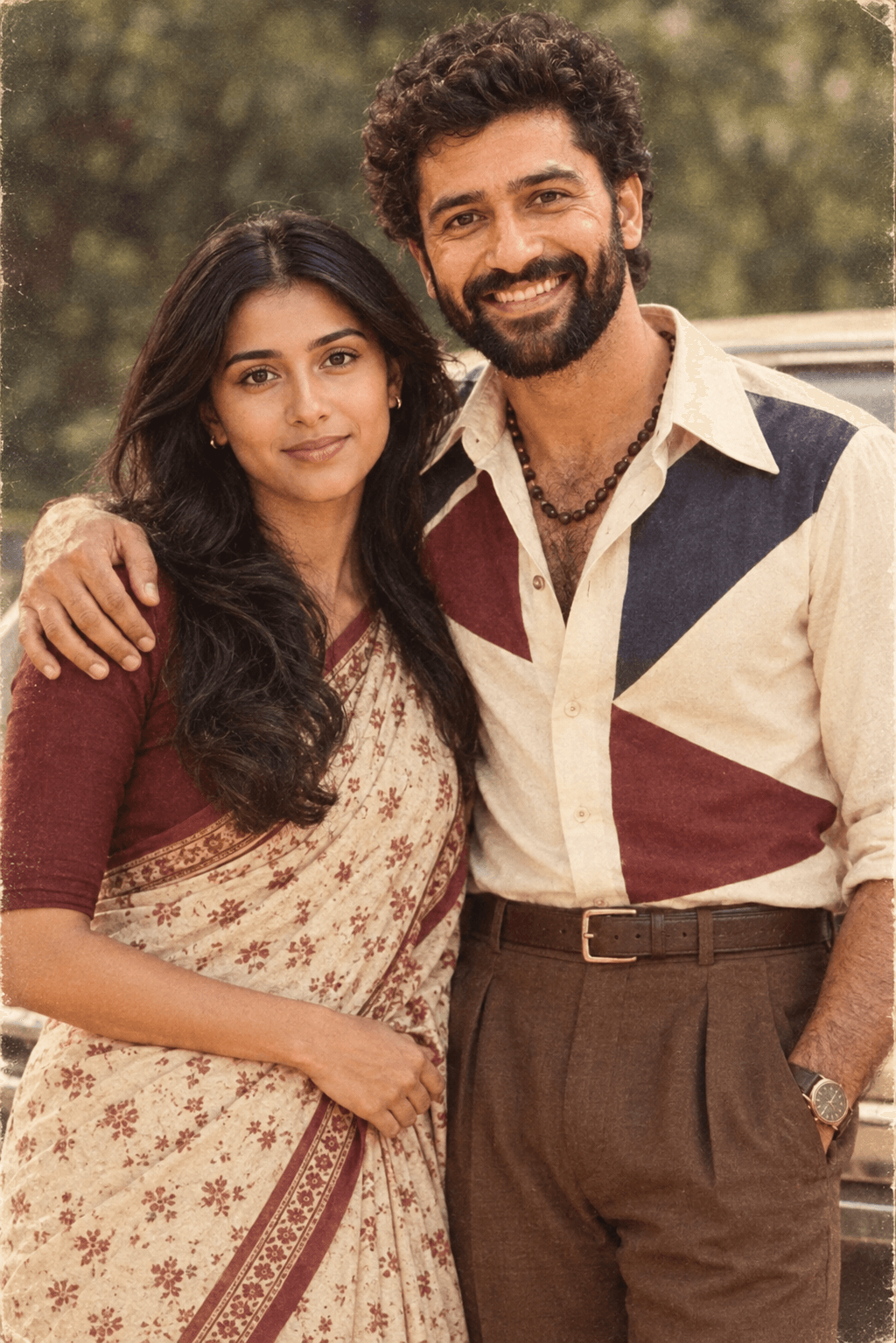
AI photo result generated with prompt: Vintage 1970s Couple AI Photo Prompt | Retro Indian Love Story Portrait
Generated Result

Reference / Source

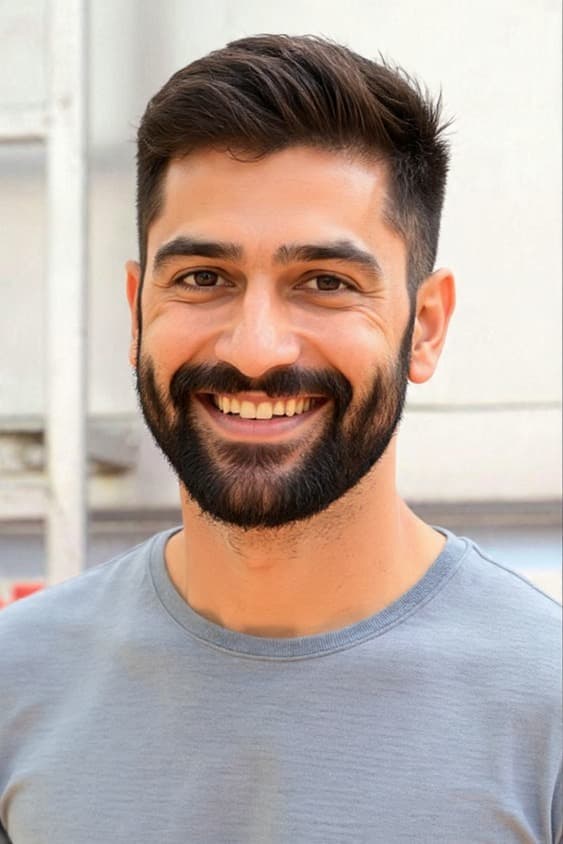
Source reference for AI prompt

AI Prompt

Ready to copy & paste

Here's a descriptive prompt based on this image (leaving out the "Same People... Different Times... Madras 1980s" text overlays, since those are custom design elements): Prompt: "A vintage 1970s/80s-style couple portrait. The man has curly dark hair and a full beard, wearing an open-collar cream shirt with color-blocked navy and maroon geometric patches, brown pleated trousers, a leather belt, wristwatch, and a beaded necklace, smiling broadly at the camera.The woman leans affectionately against his arm, wearing a red and white handloom cotton saree with a red blouse, dangling earrings, and gold bangles, smiling warmly. Blurred old heritage building architecture in the background with warm natural daylight, retro sepia-toned film-grain color grading, nostalgic vintage portrait photography style, worn photo texture with distressed edges.

How to use this AI photo prompt

Follow these simple steps to generate your own realistic couple portrait with Midjourney, ChatGPT (GPT-4o / DALL-E 3), or Google Gemini:

STEP 01

Copy Prompt

Click the “Copy prompt” button above to copy the prompt text to your clipboard.

STEP 02

Open AI Tool

Paste the text into ChatGPT, Google Gemini, Midjourney, or your preferred AI image generator.

STEP 03

Add Reference

If recreating your own look, attach a clear photo of you and your partner as an image reference.

STEP 04

Generate & Tweak

Hit generate! Adjust aspect ratio (e.g. --ar 9:16) or lighting cues if needed.